

Picking a free CRM for a small business comes down to three things. It has to fit the way your customers contact you, it has to fit your team for at least a year, and your team has to actually use it. A CRM with fifty features that nobody opens is worth less than a simple one that everyone updates daily.
CRMs are now standard for small firms. In a Freshworks survey of 600 US business owners in April 2024, 71% of small businesses said they use one. The real question is which one fits you.
The seven steps below take you from mapping your sales process to running a one-week test, so you can choose with confidence.
Step 1: Map how customers reach you
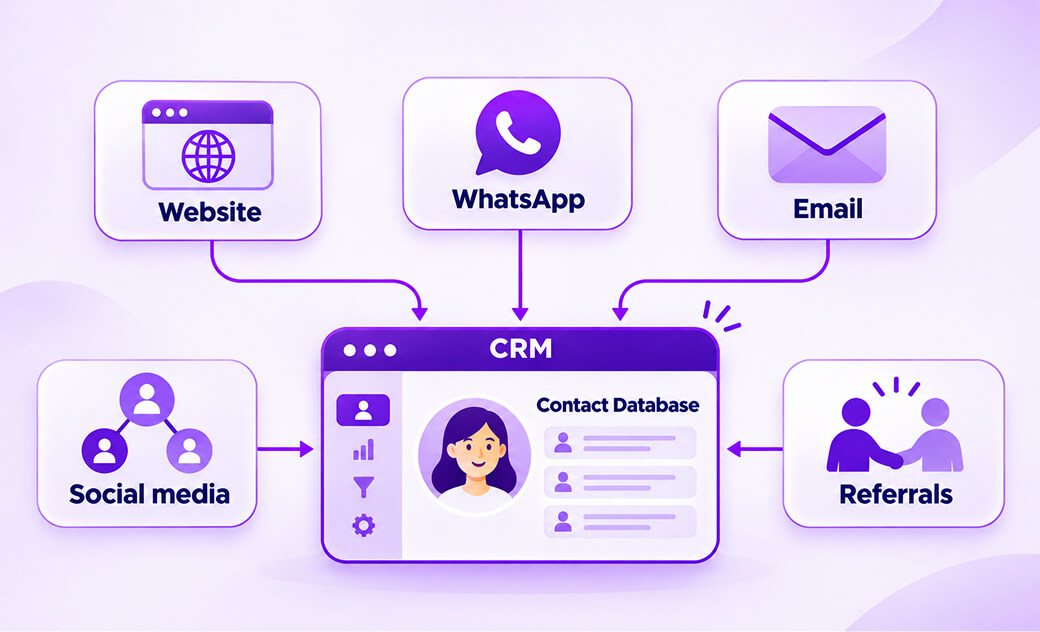
Before comparing software, write down where your leads come from and how you talk to them. For most small businesses, the list looks something like this:
- Website contact forms and landing pages
- WhatsApp messages and phone calls
- Email enquiries
- Social media messages, such as Instagram or Facebook
- Walk-ins, referrals and events
A CRM that can’t capture leads from your two biggest channels will leave you copying data by hand. If most customers message you on WhatsApp, for example, built-in WhatsApp integration will save you more time than advanced email marketing ever would.
Step 2: Write down your sales stages
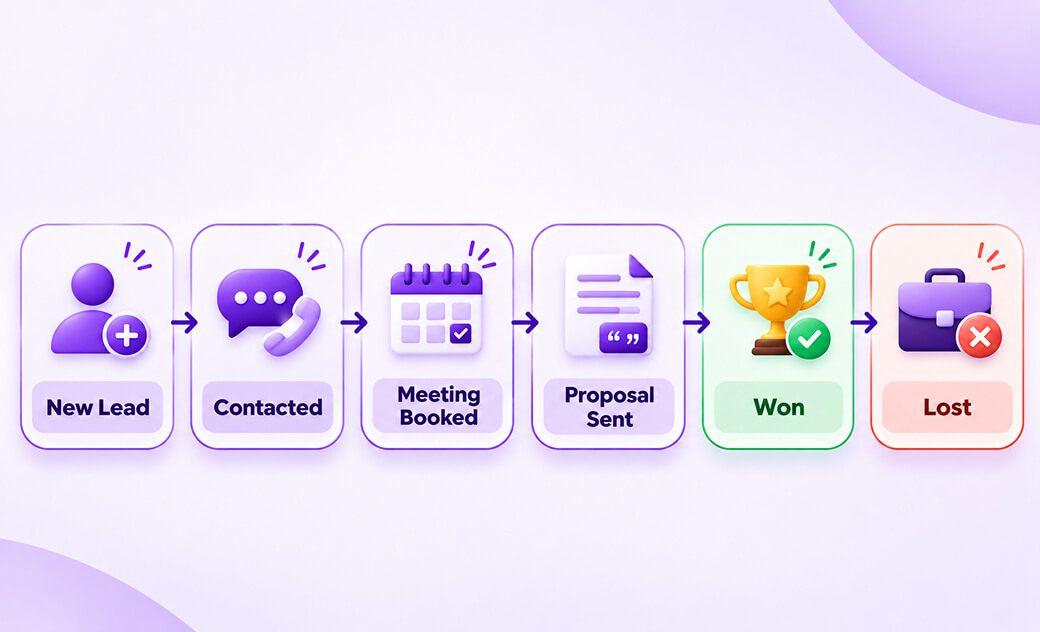
Your pipeline is the set of steps a lead moves through before buying. Keep it simple. A typical service business might use: New lead, Contacted, Meeting booked, Proposal sent, Won, Lost.
Check that you can rename stages, and whether you can run more than one pipeline. Businesses that sell different services, or have separate teams, often need one for each.
Step 3: List your must-have features
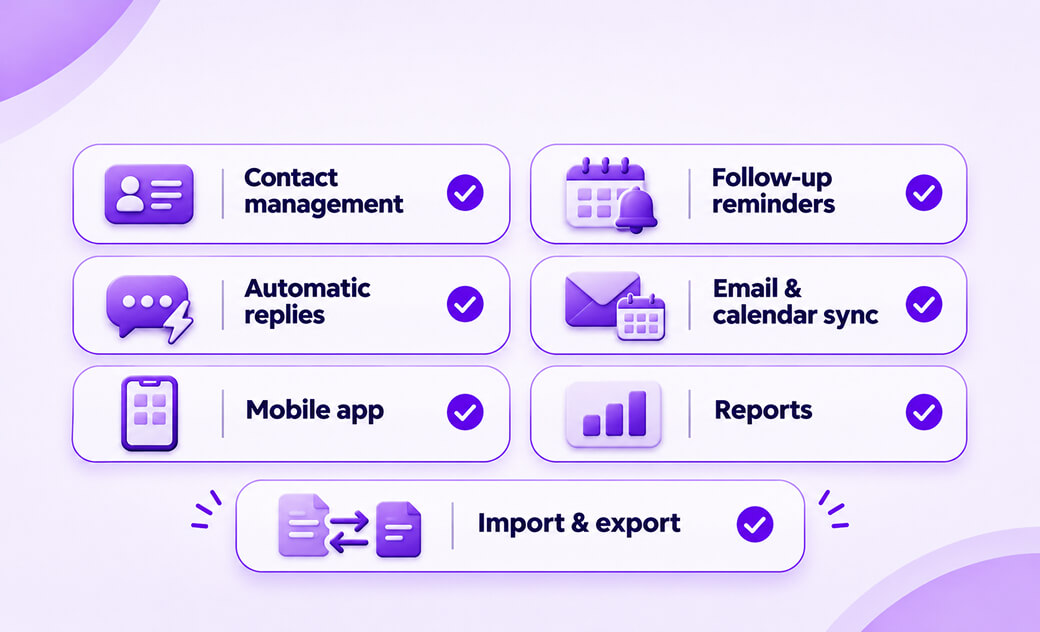
Split features into must-haves and nice-to-haves. For most small businesses, the must-haves are:
- Contact and deal management: one record per customer, with every call, email and note on a timeline.
- Follow-up reminders: tasks and alerts so no lead is forgotten.
- Fast lead response: automatic replies so new leads hear from you while they’re still interested. Our guide to lead response time explains why this matters.
- Email and calendar sync: so conversations and meetings log themselves.
- A mobile app: for owners and reps who sell away from a desk.
- Basic reports: pipeline value, deals won and activity per person.
- Import and export: CSV import to get started, and export if you ever leave.
Nice-to-haves might include email campaigns, call recording, AI meeting summaries, quotes and invoices, or custom dashboards.
Step 4: Check the limits against your 12-month plan
Now compare each plan’s limits with where your business will be in a year: users, contacts or records, pipelines, automations and storage. Our comparison of the top 10 CRM tools lists these side by side, and our guide to hidden costs covers what to ask each vendor.
A common mistake is choosing for today’s team. If you plan to hire two salespeople next year, a plan capped at two users is already too small.
Step 5: Consider your industry
Some industries need specific fields and stages. A real estate agency tracks properties, viewings and budgets. A recruitment firm tracks candidates and openings. An insurance broker tracks policies and renewal dates.
Industry templates save hours of setup. Zayda, for instance, has ready-made pipelines for real estate, recruitment, insurance, legal, education and ecommerce. Whatever you consider, check for a template in your sector or the freedom to add custom fields.
Step 6: Score your shortlist
Pick three tools at most and score each from 1 (poor) to 5 (excellent) on the criteria that matter to you. Weight the scores so must-haves count for more.
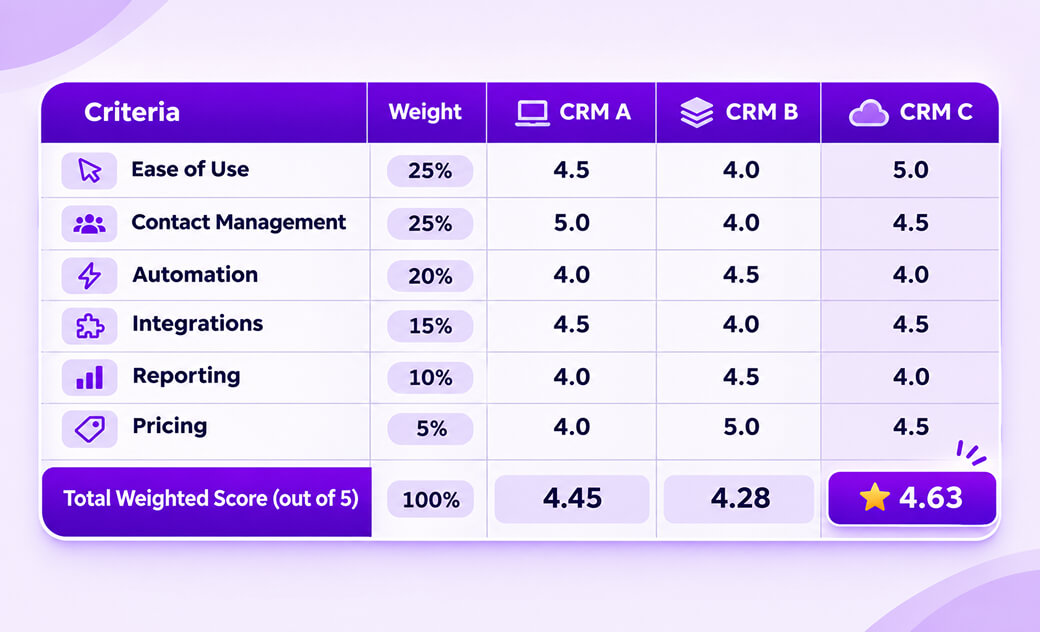
| Criterion | Weight | Tool A | Tool B | Tool C |
|---|---|---|---|---|
| Captures leads from my main channels | 3 | |||
| Fits my team size in 12 months | 3 | |||
| Easy for my team to learn | 3 | |||
| Automatic lead response and reminders | 2 | |||
| Mobile app quality | 2 | |||
| Integrations I need (email, calendar, forms) | 2 | |||
| Data security and privacy terms | 2 | |||
| Cost of the first paid step or add-on | 1 |
Multiply each score by its weight and add them up. The top total is usually your best fit, but trust what you learn in Step 7 over the spreadsheet.
Step 7: Run a one-week test with real work
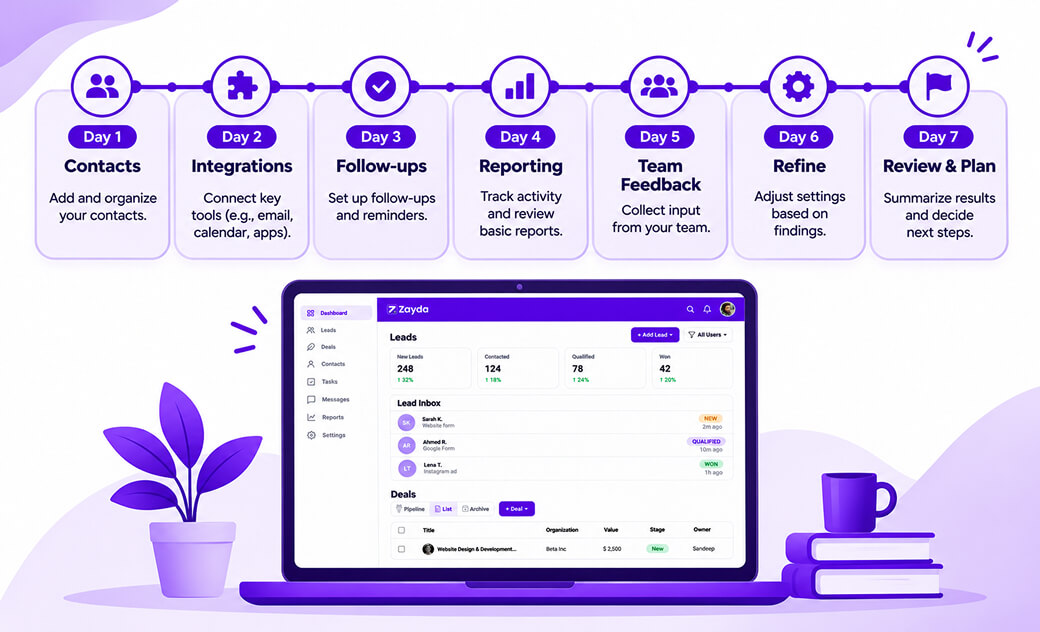
Demos and feature lists only tell you so much. Spend a week using your top choice for real:
- Day 1: import 50 to 100 real contacts and set up your pipeline stages.
- Day 2: connect your email, calendar and main lead source, such as your website form or WhatsApp.
- Days 3 to 5: log every call, email and meeting, and use reminders for follow-ups.
- Day 6: check the reports. Can you see pipeline value and who did what?
- Day 7: ask your team one question: “Would you keep using this?”
If the answer is a reluctant yes, try your second choice the following week. Adoption is the biggest single factor in whether a CRM pays off.
Common mistakes to avoid
- Choosing the tool with the most features. More features usually mean a longer learning curve.
- Skipping data clean-up. Importing messy spreadsheets creates duplicates from day one. Our spreadsheet-to-CRM guide shows how to tidy data first.
- Ignoring mobile. If your team sells on the move and the app is weak, records won’t get updated.
- Skipping the privacy policy. You’re storing your customers’ personal data, so know how the vendor treats it.
Frequently asked questions
What’s the easiest CRM for a small business?
The easiest one has a clean interface, a template for your industry and automatic logging of emails and messages. Test two or three with real contacts; your team’s reaction is the best guide.
Do I need a CRM if I only have a few customers?
If you track fewer than 20 active customers and rarely lose track of follow-ups, a spreadsheet may do. Once leads start slipping through, or a second person handles sales, a CRM quickly earns its place.
Can a basic CRM plan grow with my business?
Yes, if it doesn’t have low caps on users and records. Check what you’d pay at your expected size in 12 months before committing.
How long does setup take?
A simple setup, with a pipeline, imported contacts and email sync, takes a few hours. Adding automations and team roles may take a few days.
Want to try it with your real leads this week? Create your Zayda account, with unlimited users and no credit card.