

It’s worth clearing up one thing first. “Free” and “AI” describe different things. One is about price, the other about capability, and the two can overlap. Some CRMs with AI features have a no-cost plan, and some paid CRMs have no meaningful AI at all. So the real question isn’t price versus AI. It’s whether your team needs the CRM to simply store information, or to also do some of the work.
This guide explains what a standard CRM does well, what AI actually adds (and what it doesn’t), and how to choose based on your situation.
What a standard CRM does well
A standard CRM is a shared, organised record of your customers and deals. Most entry-level plans, including no-cost ones, cover the essentials:
- Contact and company records with phone, email and notes
- A visual sales pipeline where you drag deals from stage to stage
- Tasks and reminders for calls, meetings and follow-ups
- Email and calendar sync, so messages and meetings log against contacts
- Basic reports on pipeline value and deals won
- A mobile app for updating records on the go
For a small team with steady, manageable lead flow, this is often all you need. It replaces scattered spreadsheets, gives everyone the same view of each customer and makes sure follow-ups have an owner. If you’re still choosing one, our top 10 comparison lists the main options and their limits.
Where a standard CRM stops
A standard CRM records work; it doesn’t do the work. That means:
- Someone still has to reply to every new lead, and the CRM can’t help if they’re busy, asleep or on another call.
- Data entry is manual. Call notes, meeting outcomes and deal updates depend on people typing them in, which is usually the first thing to slip.
- Follow-ups rely on discipline. Reminders help, but if a rep ignores them, leads still go cold.
- Insight is limited to what you report on. You see numbers, but the CRM won’t tell you which deals are at risk or why.
None of this is a flaw. It’s simply the boundary of what a record-keeping tool is designed to do.
What an AI CRM adds
An AI CRM includes everything above, plus features that take on some of the work itself. The most useful ones for small teams are:
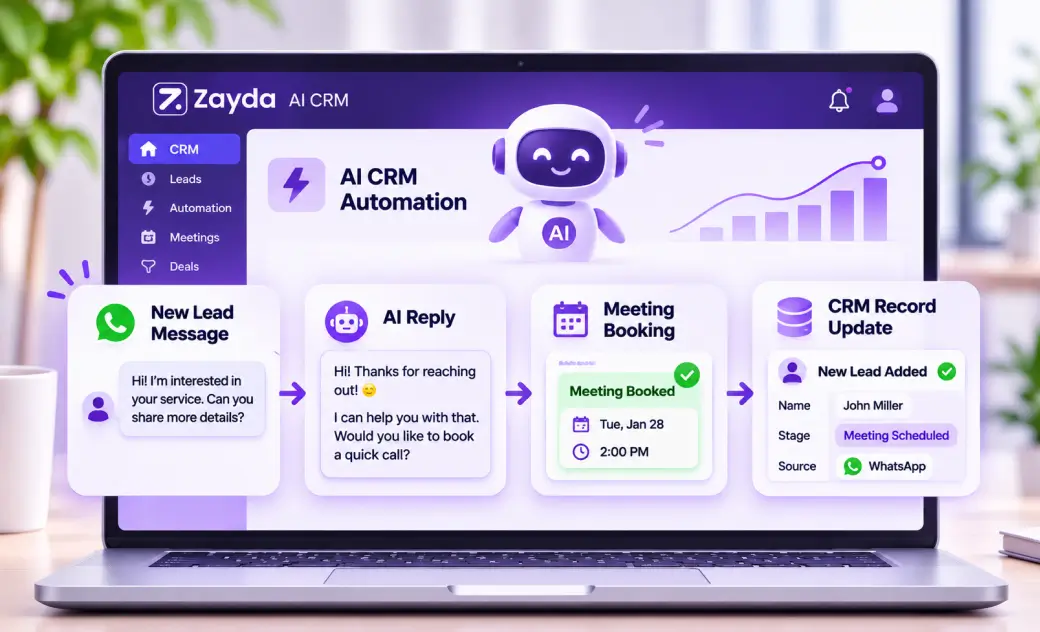
Instant lead response. AI replies to new enquiries by email, WhatsApp or SMS within seconds, answers common questions and offers a next step, such as booking a call. This matters because reply speed has a big effect on conversion; our article on lead response time covers the research.
AI follow-up calls. Some AI CRMs can phone a new lead, ask a few qualifying questions and book a meeting, then pass the call summary to a salesperson.
Automatic data capture. Emails, chats and calls log themselves. Meeting tools can transcribe and summarise conversations into the deal record, so notes no longer depend on someone typing them up.
Smart follow-ups. The AI notices when a lead has gone quiet and sends a timely, relevant check-in, or prompts a rep to do it.
Lead scoring and insights. Some tools rank leads by how likely they are to buy, or flag deals that look at risk, so reps spend time where it counts.
Drafting help. AI can draft replies, follow-up emails and summaries for a person to review and send.
What AI can’t do, and the risks to manage
AI is useful, but it isn’t magic. Keep these limits in mind:
- It can get things wrong. AI replies can misunderstand a question or state something inaccurate. Set clear scripts, limit what it can promise and review conversations regularly.
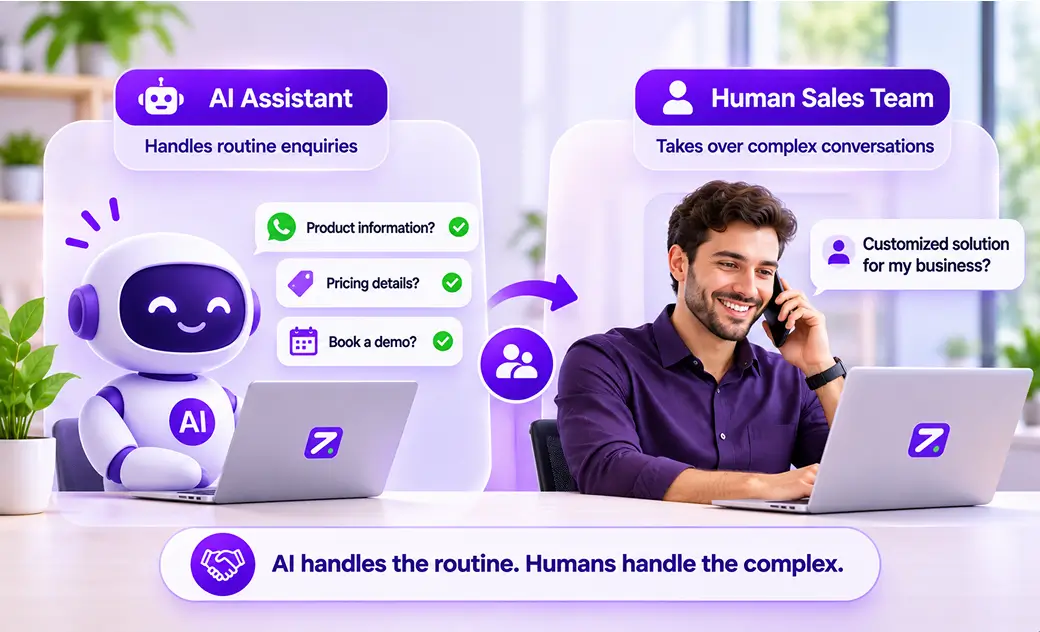
- It needs a human hand-off. Complex questions, complaints and negotiations need a person. Make sure the AI passes these on quickly, with full context.
- Customers should know. Be honest when a customer is talking to an automated assistant, and make it easy to reach a human.
- Data and consent still matter. Only message people who’ve asked to hear from you, follow local privacy rules and check how the vendor uses your data.
- Usage-based costs. AI calls, SMS and messaging fees are often charged per use, so estimate your volumes before switching them on.
Used well, AI handles the fast, repetitive parts of selling, such as first replies, reminders and notes, and frees your team for the conversations that need judgement.
Standard CRM vs AI CRM: side by side
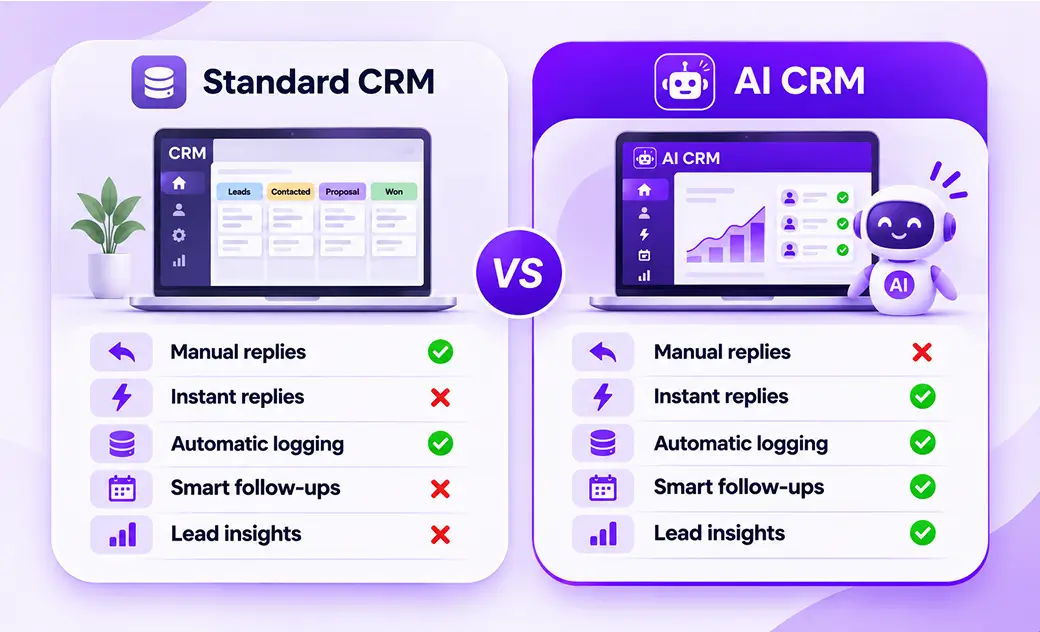
| Standard CRM | AI CRM | |
|---|---|---|
| Main job | Stores and organises customer data | Stores data and handles routine sales tasks |
| First reply to a new lead | A person, when they’re available | Automatic, within seconds, around the clock |
| Data entry | Mostly manual | Largely automatic: emails, chats, calls and meeting notes |
| Follow-ups | Reminders for the team | Reminders plus automatic, timely check-ins |
| Insight | Reports you build | Reports plus scoring and alerts on deals at risk |
| Setup | Quick and simple | Needs scripts, hand-off rules and review |
| Typical cost | Often a no-cost entry plan, then per user | Varies; core may be included, with AI features often charged per use or as add-ons |
| Best for | Steady, low lead volume and a responsive team | High or after-hours lead volume, small teams stretched thin |
Which should you choose?
A standard CRM is probably enough if:
- You get a few new leads a day and someone always replies within the hour.
- Most sales come from repeat customers or referrals rather than ads and forms.
- Your team is disciplined about logging calls and updating deals.
- You want to keep setup as simple as possible for now.
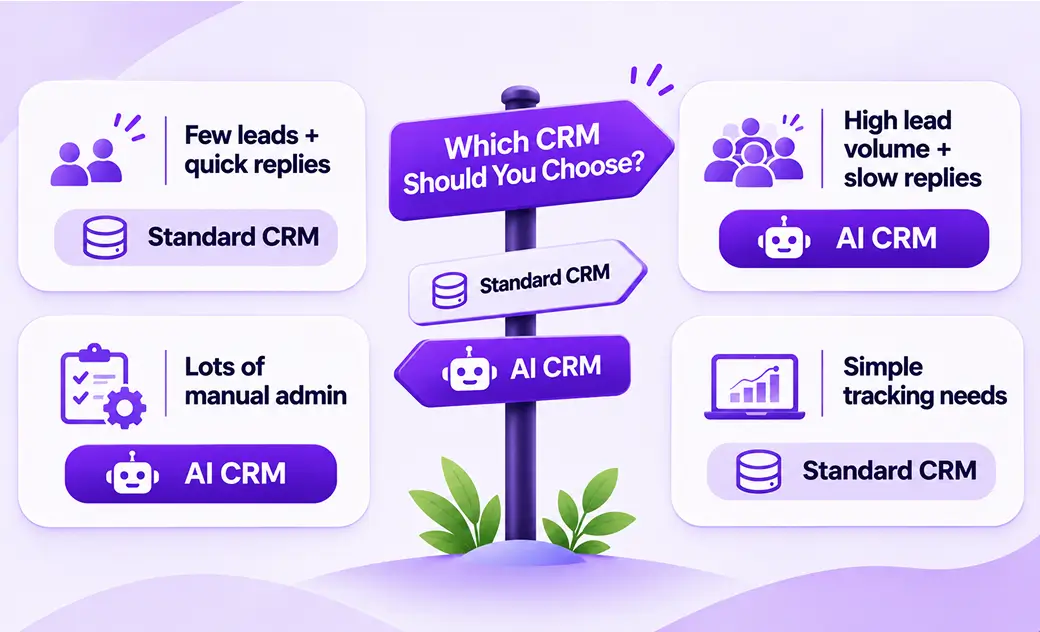
An AI CRM is likely worth it if:
- Leads arrive in the evening, at weekends or while your team is busy, and wait for a reply.
- You run ads or campaigns that bring bursts of enquiries.
- Many customers contact you on WhatsApp and expect quick answers.
- Your reps spend a lot of time on notes, data entry and chasing follow-ups.
- You’re a small team trying to compete with larger rivals on speed and service.
A simple test: for one week, track how long each new lead waits for its first reply. If the average is more than an hour, or more than one in ten leads never gets a reply, an AI CRM is likely to recover enough sales to justify the switch. Our guide to choosing a CRM includes a scoring sheet if you want to compare specific tools.
Where Zayda fits
Zayda was built so small teams don’t have to choose between the two. The core CRM, with unlimited users, pipelines and records, carries no software fee and already includes AI lead response: new leads get a reply by email and WhatsApp within seconds, and every conversation logs to the contact automatically.
If you want more AI, you switch on optional add-ons as you need them, such as an AI call agent that phones new leads, SMS auto-response, meeting summaries and advanced automations. You start with what you need today and add more only when it earns its place. See features and pricing for details.
Zayda isn’t the only route. If you need a huge integration marketplace or advanced forecasting, a larger platform may suit you better, and our Pipedrive vs Zayda comparison shows one example of that trade-off.
Frequently asked questions
What is an AI CRM?
An AI CRM is customer relationship management software that uses artificial intelligence to do some sales tasks itself, such as replying to new leads, logging conversations, summarising meetings and suggesting follow-ups.
Is an AI CRM worth it for a small business?
It often is, because small teams feel the cost of slow replies and manual admin the most. If leads regularly wait hours for a reply, AI response alone can make a noticeable difference.
Can a free CRM have AI features?
Yes. Some vendors include AI features in their no-cost plans, while others reserve them for paid tiers. Check exactly which AI features are included and whether usage, such as AI calls or messages, is charged separately.
Will AI replace my sales team?
No. AI handles fast, repetitive tasks like first replies, reminders and notes. People are still needed for relationships, complex questions, negotiation and closing.
Is it safe to let AI talk to my customers?
It can be, with sensible limits. Give the AI clear scripts, restrict what it can promise, tell customers when they’re talking to an assistant, hand complex conversations to a person, and review conversations regularly.
Want a CRM that replies to every lead for you? Create your Zayda account and see AI lead response in action.