

Top 10 Free CRM Software in 2026
The right CRM for a small budget is the one whose limits you won’t hit for a long time. Almost every entry plan caps something: users, contacts, pipelines or the features you can switch on. A plan that looks generous on day one can force an upgrade the week you hire your third salesperson.
Below, we compare 10 tools on the limits that actually trigger an upgrade, explain who each one suits, and finish with a short checklist so you can decide in an afternoon rather than a month.
The 10 plans at a glance
| CRM | Users included | Contacts or records | Best for |
|---|---|---|---|
| Zayda | Unlimited | Unlimited | Small teams that want instant lead replies by email and WhatsApp |
| HubSpot CRM | 2 | 1,000 (accounts created after Sept 2024) | Teams that may later buy HubSpot’s marketing tools |
| Zoho CRM | 3 | 5,000 | Small teams that want basic automation rules |
| Bitrix24 | See note below | No published cap | Teams that want CRM, tasks and chat in one place |
| Freshsales | 3 | Not published | Phone-heavy sales teams |
| Capsule CRM | 2 | 250 | Very simple contact tracking |
| EngageBay | 15 | 250 | Marketing-led small teams |
| Attio | 3 | 50,000 | Startups that want a flexible data model |
| Agile CRM | 10 | 1,000 | Small teams that need several seats |
| SuiteCRM | Unlimited (self-hosted) | Unlimited | Teams with a developer who can host it |
1. Zayda
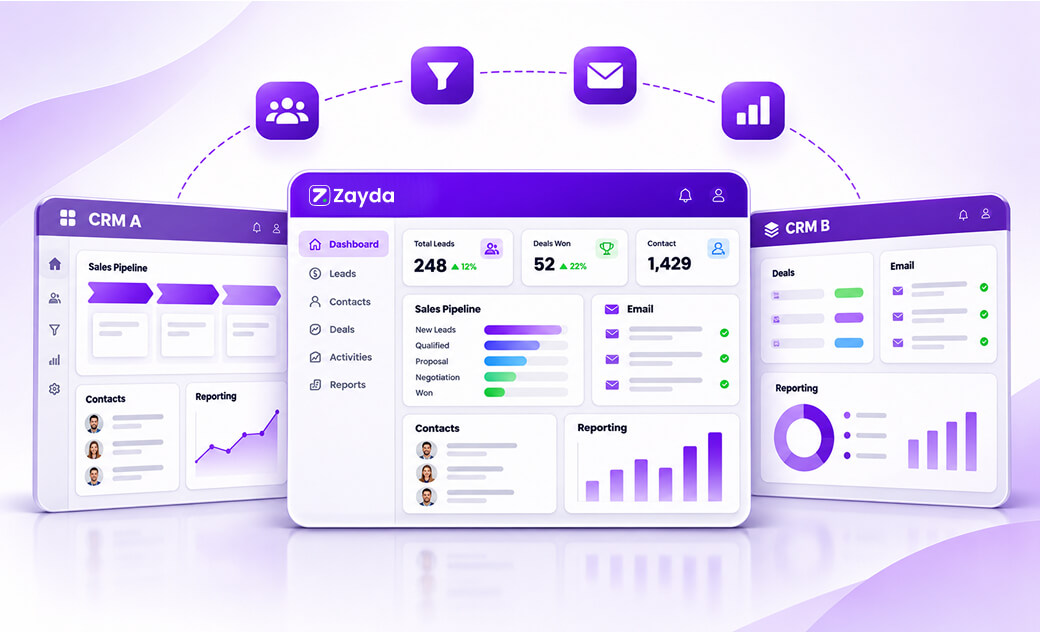
Zayda is an AI CRM built around one idea: a lead should get a reply in seconds, not hours. When an enquiry arrives, Zayda answers it by email and WhatsApp straight away and logs the conversation against the contact, so your pipeline stays current without manual entry.

What’s included: unlimited users, pipelines and records; contacts, deals and activities; email and WhatsApp lead response; roles and permissions; standard reports and dashboards; Slack, Gmail and Google Calendar integrations; and the iOS and Android app. You don’t need a credit card to sign up.
What you pay for: optional add-ons such as the AI call agent, SMS auto-response, meeting summaries, advanced automations, custom dashboards and open API access. You switch them on only when you need them.
Watch out for: Zayda is younger than HubSpot or Zoho, so its integration list is shorter. If your business depends on a niche app, check the integrations page first.
Best for: small businesses, agencies and service teams where response speed decides who wins the customer, especially teams that sell over WhatsApp.
2. HubSpot CRM
HubSpot is the best-known name on this list, with a polished interface that most people pick up quickly. Its entry tier covers contact and deal tracking, email templates and tracking, forms and live chat.
The limits tightened in September 2024. According to HubSpot’s help centre, new accounts on the entry tier can store up to 1,000 contacts and add up to two users, with one deal pipeline.
Watch out for: HubSpot branding on emails, forms and chat, and a steep price jump once you need automation or more seats.
Best for: a founder or two-person team that expects to buy HubSpot’s paid marketing tools later.
3. Zoho CRM
Zoho’s entry edition is one of the most complete starter plans for a small team. Zoho says it supports three users, 5,000 records, 150 emails a day, web forms and a handful of workflow rules.
Watch out for: the interface has a lot of menus, so setup takes longer than with simpler tools. The three-user cap is firm.
Best for: teams of up to three who want some automation and may use other Zoho apps.
4. Bitrix24
Bitrix24 combines a CRM with tasks, team chat, video calls and a website builder. Its entry plan includes basic CRM features and 5 GB of shared storage.
Note on users: Bitrix24’s FAQ says the entry plan has no user limit, while some of its plan comparison pages describe it as suited to one or two users. Confirm the current limit in your own account before moving a team onto it.
Watch out for: a crowded interface with a learning curve, a single sales pipeline and limited automation.
Best for: teams that want one workspace for CRM, projects and internal chat.
5. Freshsales
Freshsales, from Freshworks, lets up to three people manage contacts and deals on its entry plan, which includes a built-in phone dialler and email sync.
Watch out for: no workflow automation on this tier, and reporting is basic.
Best for: small sales teams that make a lot of calls and want calling inside the CRM.
6. Capsule CRM
Capsule is deliberately simple. It tracks people, organisations and a sales pipeline in a clean interface. The entry plan allows two users and 250 contacts.
Watch out for: 250 contacts is a low ceiling for any business running outbound sales or ads.
Best for: consultants and freelancers with a small, steady client list.
7. EngageBay
EngageBay bundles CRM, email marketing and a help desk. Its starter plan allows up to 15 users but only 250 contacts.
Watch out for: the contact cap fills quickly once you run campaigns, and advanced automation costs extra.
Best for: marketing-led teams that want to test an all-in-one tool before paying.
8. Attio
Attio is a modern CRM with a flexible data model, automatic enrichment from email and calendar, and API access. Its starter tier covers three users and up to 50,000 records.
Watch out for: you build your structure from a near-blank canvas, which takes time, and its paid plans are among the pricier here.
Best for: startups with a technical founder who wants to shape the CRM around their own process.
9. Agile CRM
Agile CRM supports up to 10 users and 1,000 contacts on its entry plan, with appointment scheduling, lead scoring and telephony.
Watch out for: the interface feels dated next to newer tools, and deeper marketing automation is limited.
Best for: small teams that need more than three seats on a small budget.
10. SuiteCRM
SuiteCRM is open-source. There’s no licence fee and no user or record caps, because you install and run it on your own server.
Watch out for: no licence fee doesn’t mean no running costs. You still pay for hosting, updates, backups and the time of whoever maintains it.
Best for: companies with an in-house developer and strict data-hosting requirements.
How to choose from this list in 15 minutes
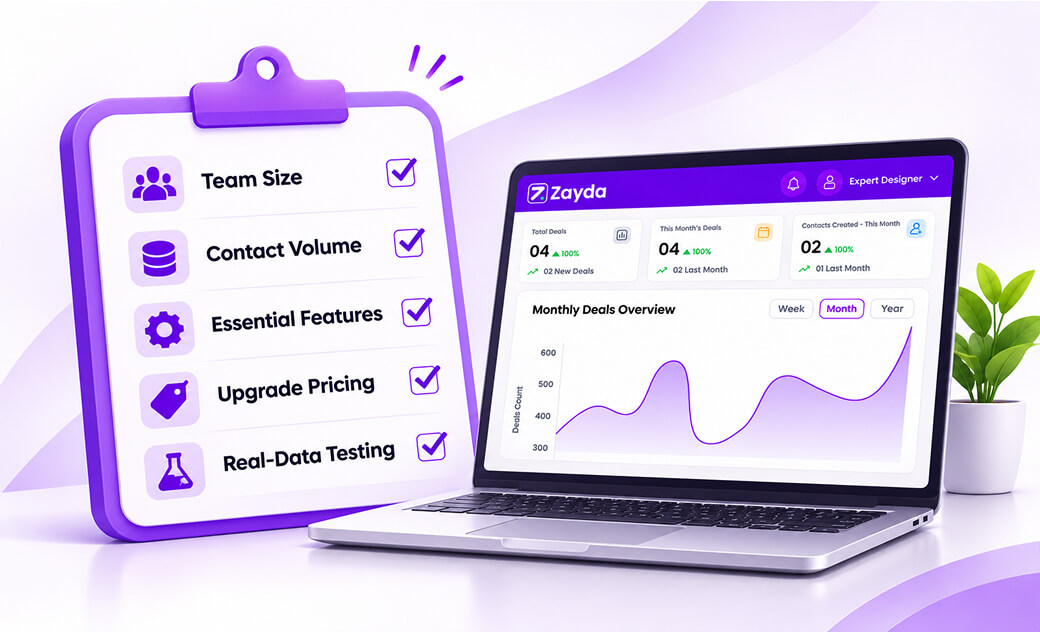
- Count your users for the next 12 months, not today. If you’ll have four salespeople next year, rule out every plan capped at two or three.
- Estimate your contacts. Add up monthly leads from your website, ads and WhatsApp, then multiply by 12. A 250-contact cap can fill in weeks.
- Name the one feature you can’t live without. For many small businesses it’s fast lead follow-up; for others it’s calling, email marketing or project tasks.
- Check the first paid step. Note what you’d pay per user, per month, if you outgrew the plan.
- Test with real data. Import 50 real contacts and run a week of actual follow-ups before you commit.
For a fuller version of this process, read our guide on choosing a CRM for your small business, and see what these plans really cost as you grow before you sign up anywhere.
Frequently asked questions
Is there a CRM that is completely free?
Several CRMs offer a permanent basic plan, but most cap users, contacts or features. Zayda’s core CRM has no user or record cap and charges only for optional add-ons. Open-source tools such as SuiteCRM have no licence fee but need paid hosting.
Which CRM suits a small business on a tight budget?
It depends on team size and how you sell. A team of one or two can start on almost any tool here. Teams of three or more, or those getting lots of leads from ads and WhatsApp, should look for a plan without a low user or contact cap.
What’s the difference between a permanent plan and a trial?
A permanent plan has no end date but comes with limits. A trial gives full access for a fixed period, often 14 to 30 days, after which you pay or lose access.
Can I move my data if I outgrow my CRM?
Yes. Most CRMs export contacts and deals to CSV. Our spreadsheet-to-CRM migration guide explains how to clean and import data without losing history.
Ready to try a CRM with no user limit? Create your Zayda account.